Play chess with players or a CPU
Chess is a free-to-play board game that has been one of the top chess apps for several years. Aimed at both beginners and advanced players, this app serves as a training ground to help you learn the ropes of chess or practice your tactics.
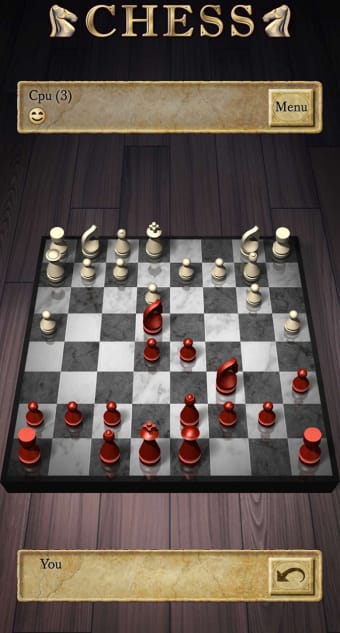
Designed for Android phones and tablets, it supports landscape mode to simulate the experience of playing on a chessboard, albeit a virtual one. As Chess is a free app, players should expect advertisements. Its paid version, Chess Pro, ensures not only an ad-free experience, but your progress will also be transferred to the premium version.
Learn how to play chess
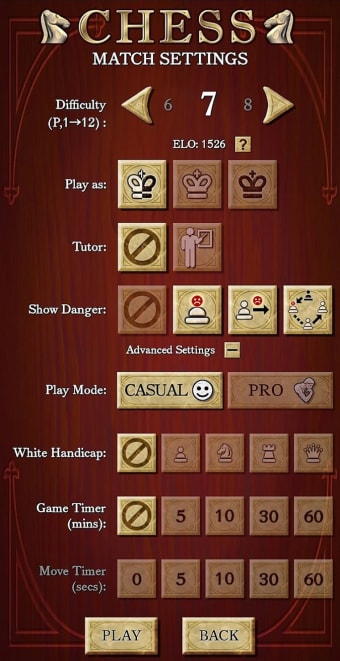
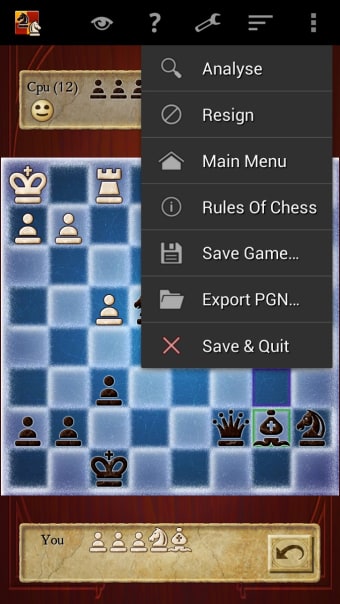
The Chess app features a dedicated “How to Play” section containing comprehensive, beginner- and advanced player-friendly tutorials on playing the board game. Most of the guides contain images, allowing users to better understand the mechanics of chess. In addition to that, the app also features a single-player mode with accompanying match settings, such as CPU difficulty, move and game timer, and many more.
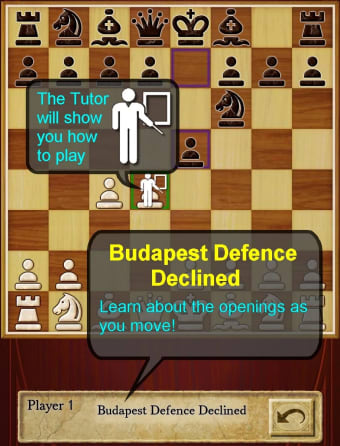
Players can also select between Casual and Pro single-player modes. Unlike Pro, Casual lets you use Tutor or any of the three Show Danger options. The Tutor feature recommends a chess piece for you to move, helping you avoid careless mistakes. Alternatively, the Show Danger options inform you of unsafe moves or show pieces that are at risk of being captured by your opponent.
While there’s nothing wrong with using Tutor or Show Danger, players should not fall into the trap of using them as a crutch to win games. If you’re confident in your skills, be sure to try your hand at online multiplayer—which requires a Google account—or same-device local multiplayer. When signing in with your Google account, the app is prone to getting stuck at “Please Wait.”
For all skill levels
Overall, Chess is one of the best chess apps for new and advanced players. Boasting comprehensive tutorials as well as single-player and multiplayer modes, anyone can learn and practice playing chess against a computer-controlled opponent or real players. If you don’t mind the occasional ad displays or want a free-to-play experience, this app is for you. Otherwise, you should opt for Chess Pro.